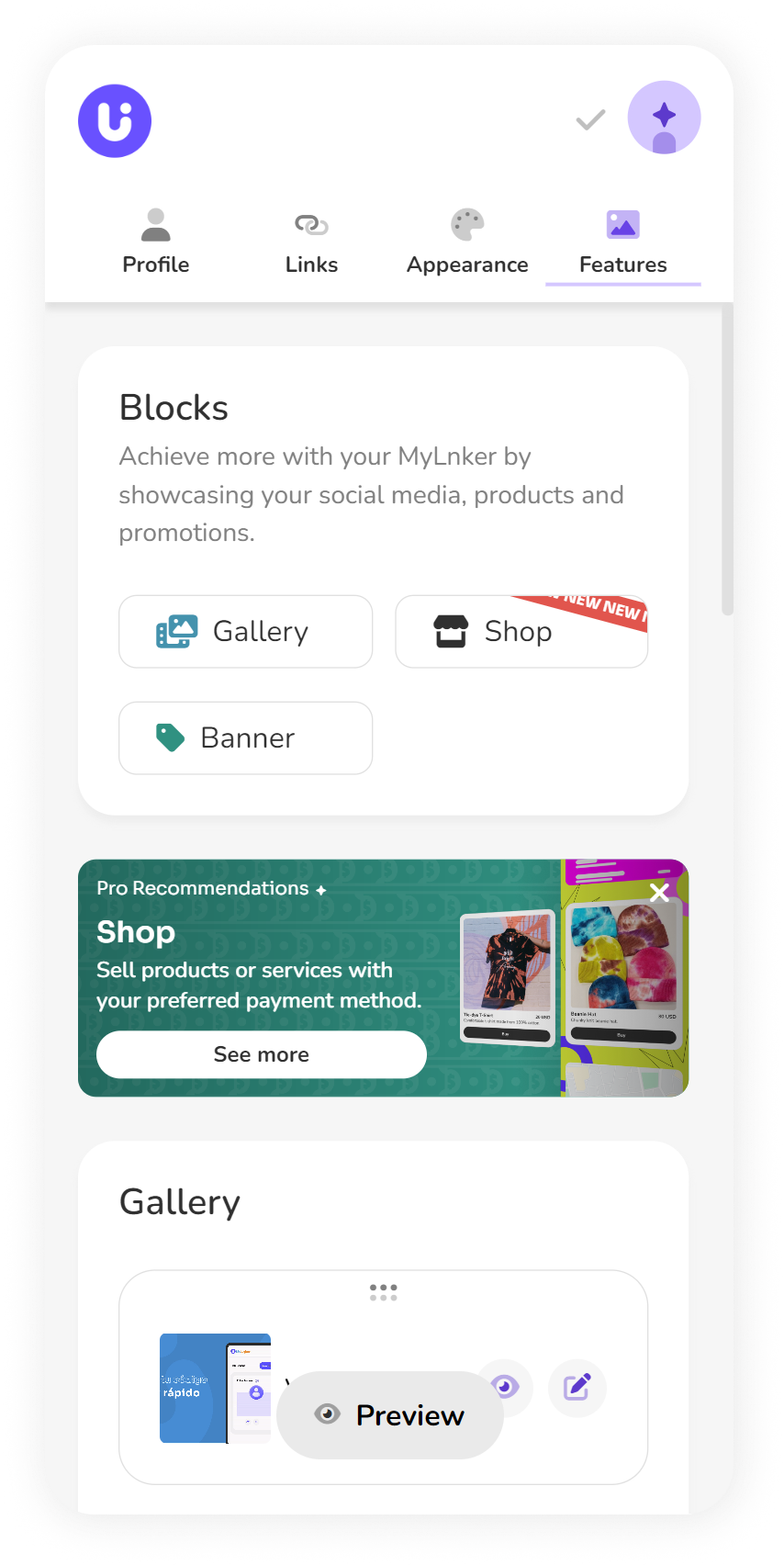
First, head over to the "Features" section in the menu.
Next, click on the "Shop" button under the "Blocks" section.
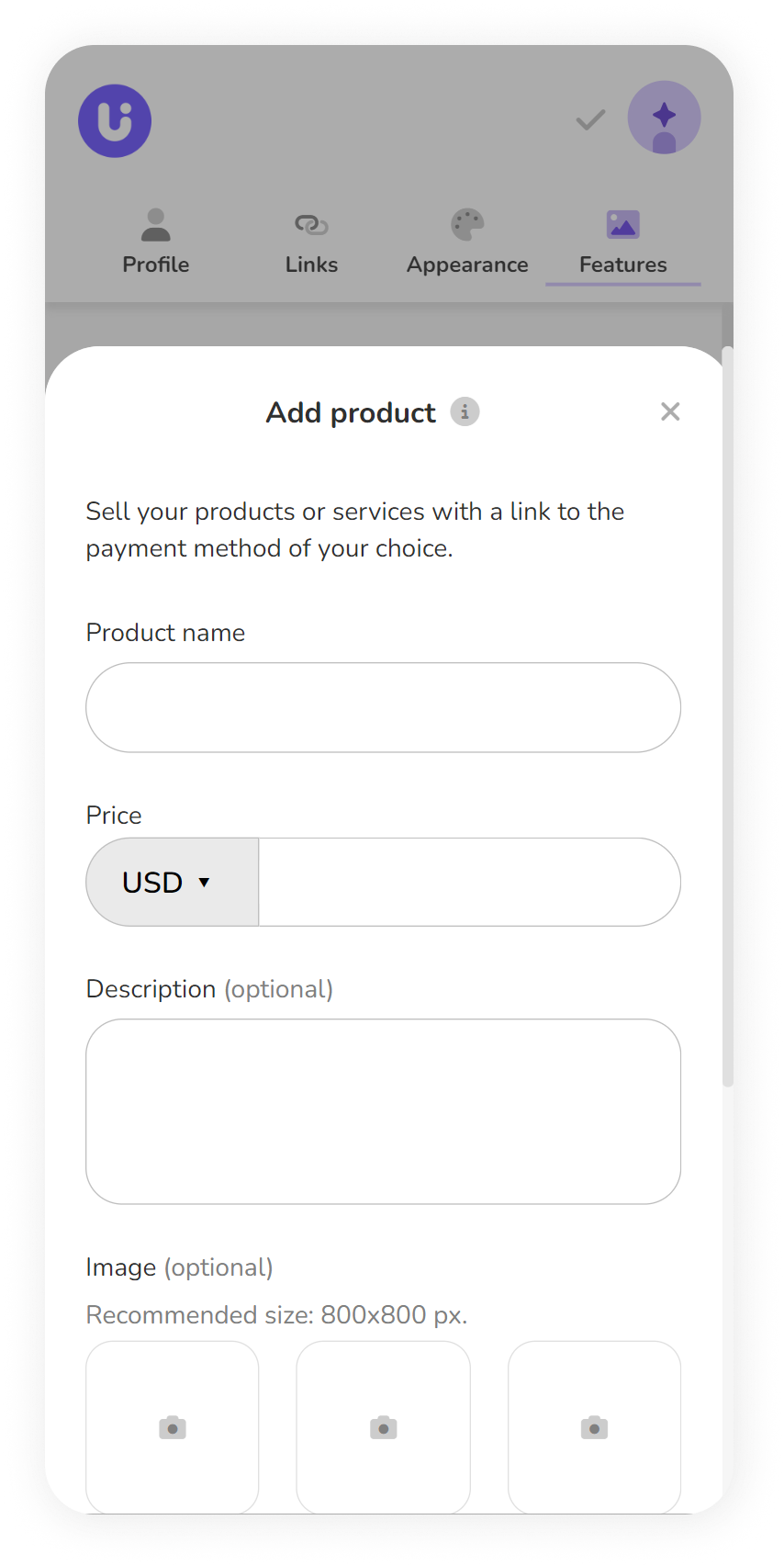
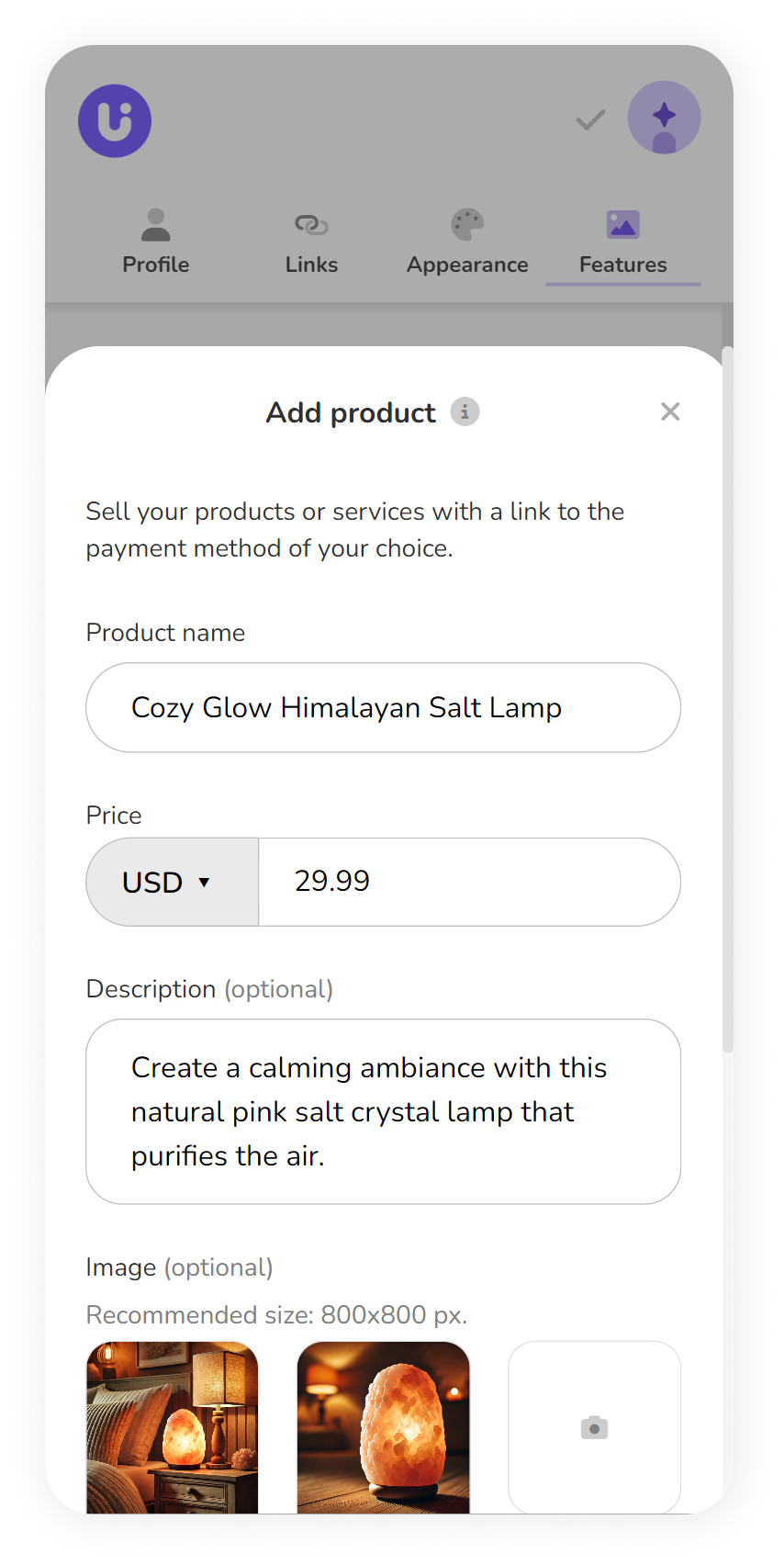
Add your product name: This is how you'll identify the item you want to sell. It could be anything—an object, a website, clothing, you name it.
Pick your currency and enter the price: This helps your customers know exactly how much your product costs.
Description (Optional): While it's not mandatory, adding a description can help your future customers better understand the value of what you're offering.
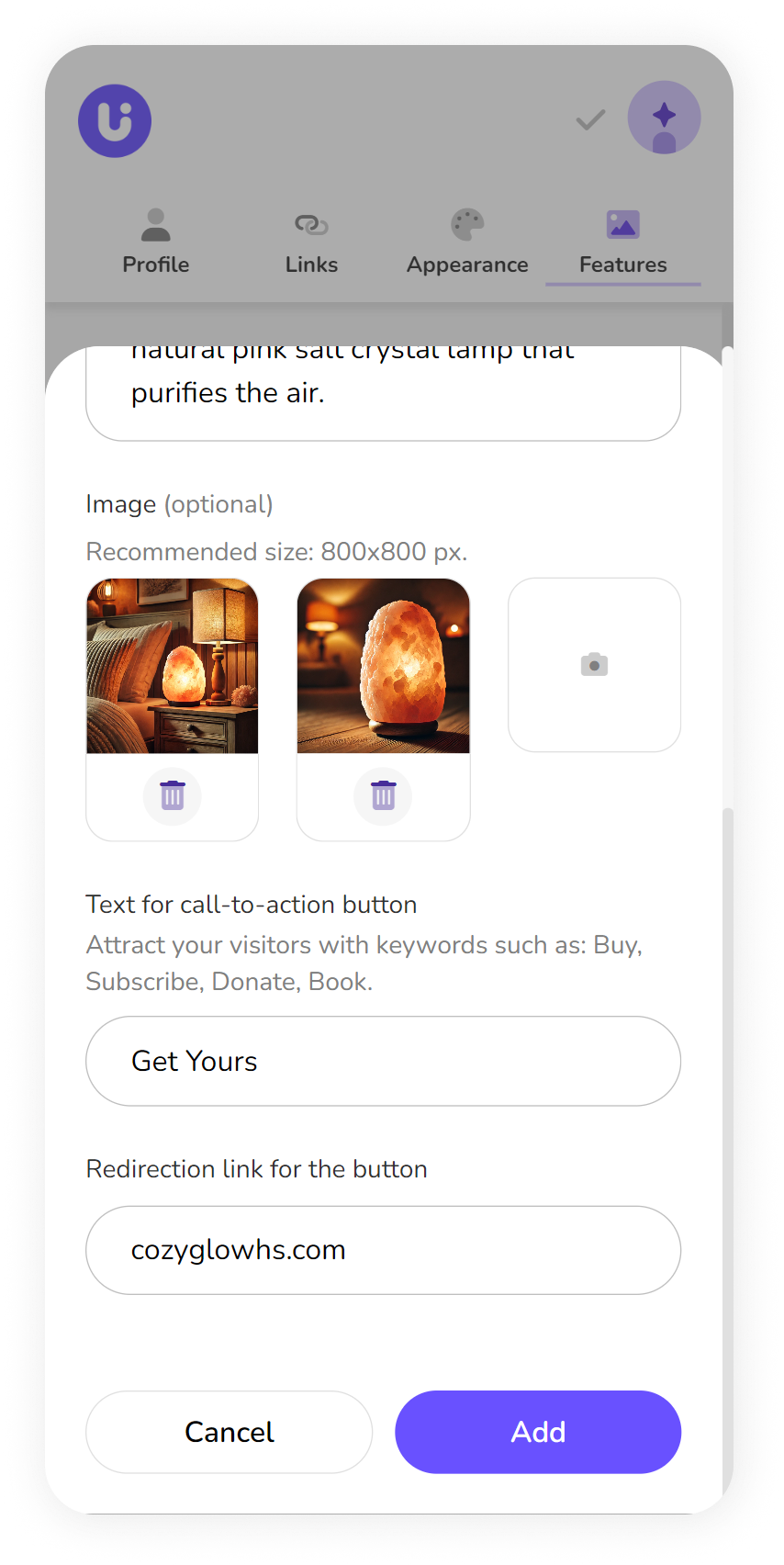
Images (Optional): We recommend uploading the best images you have of your product. Aim for a clean, clear background, and make sure the images are high-quality and appealing to your customers. We suggest using images that are 800x800 px.
Button Text: This is the text that will guide your customers to the next step. Keep it short—no more than 12 characters. Need some ideas? Try "Buy," "Shop Now," "Learn More," or "Donate."
Finally, add a redirect link: This could be your WhatsApp, website, Instagram, or wherever your customers can reach you to make a purchase or ask about your product.